Made for the work on your desk.
PDF print workflows for print shops, designers, self-publishers, educators, small businesses, and event organisers.
The right imposition settings depend on the job. A classroom booklet, a photographer’s business card, and a batch of event tickets need different page order, repetition, and finishing checks. Start with the use case closest to your work.
- Real print examples
- Editable workflows
- Check before you print
By use case
06 ENTRIES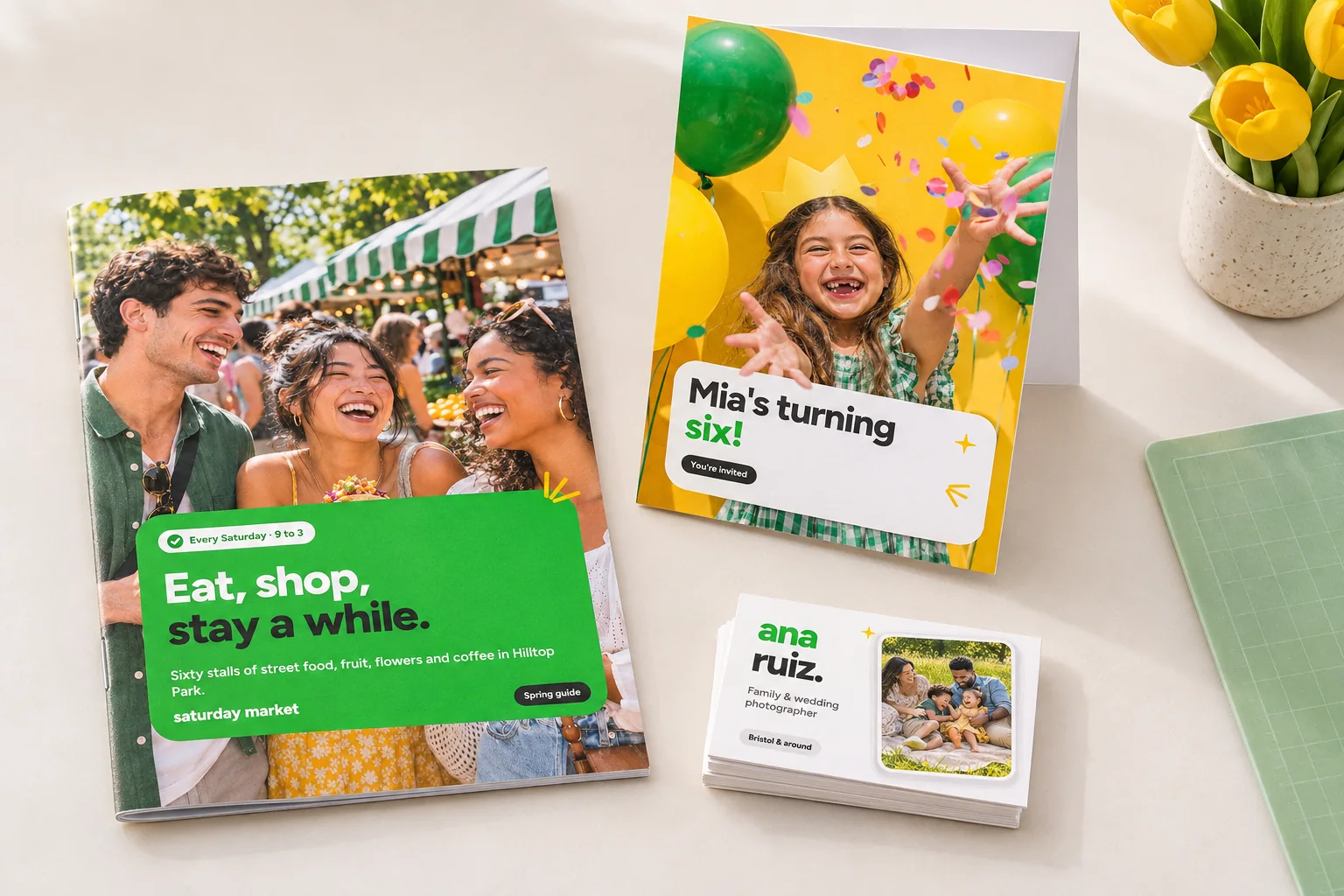
PDF imposition for small print shops.
Prepare cards, booklets, labels, and numbered PDF tickets with editable browser workflows. Keep the press specification and physical proof in control.
Take a closer look
PDF print preparation for designers.
Preview how a designed PDF becomes a folded card, booklet, or repeated sheet. Check dimensions and finishing before discussing the job with your printer.
Take a closer look
PDF imposition for zines and self-publishing.
Prepare a zine or small booklet from a PDF. Explore saddle-stitch and book workflows, inspect page order, and make a folded proof before your run.
Take a closer lookPrint PDF handouts and booklets for education.
Arrange lesson PDFs into readable multi-page handouts or folded booklets. Preview the page order and print a sample before making classroom copies.
Take a closer look
PDF print layouts for small businesses.
Prepare PDF business cards, loyalty cards, labels, postcards, and flyers. Start from real examples, adjust the layout, and export for your print process.
Take a closer lookPDF layouts for event tickets and invitations.
Prepare folded invitations, event programmes, flyers, and already numbered PDF tickets. Check page order, cutting sequence, and physical proofs.
Take a closer lookThe next step
is your PDF.
Start with a real sample. Adjust every step. Make a proof before the print run.