PDF imposition explained.
Raffle Ticket Maker print notes on choosing imposition software, browser and desktop workflows, booklet versus N-up layouts, and moving an existing print setup.
Choose print software around the output you need and the workflow you already use. These articles explain the decisions behind imposition, with links to practical guides, source-backed software comparisons, and working examples.
- Real print examples
- Editable workflows
- Check before you print
Print notes
06 ENTRIES
The best PDF imposition tool depends on what you’re printing.
Compare Raffle Ticket Maker, PDF24, PDFResizer, Sejda, Online2PDF and Bookbinder JS for free 2-up, 4-up and booklet PDFs, with sources and download examples.
Take a closer lookBrowser vs desktop PDF imposition.
Compare browser and desktop PDF imposition by file handling, setup, local resources, saved workflows, and production integration—not just installation.
Take a closer look
Booklet vs N-up vs step and repeat.
Learn when to use booklet imposition, sequential N-up, step and repeat, or cut and stack by following what happens after the sheet is printed.
Take a closer lookHow to move a PDF imposition workflow.
Rebuild an existing PDF imposition job in Raffle Ticket Maker using its source PDF, dimensions, finishing specification, and an approved physical proof.
Take a closer look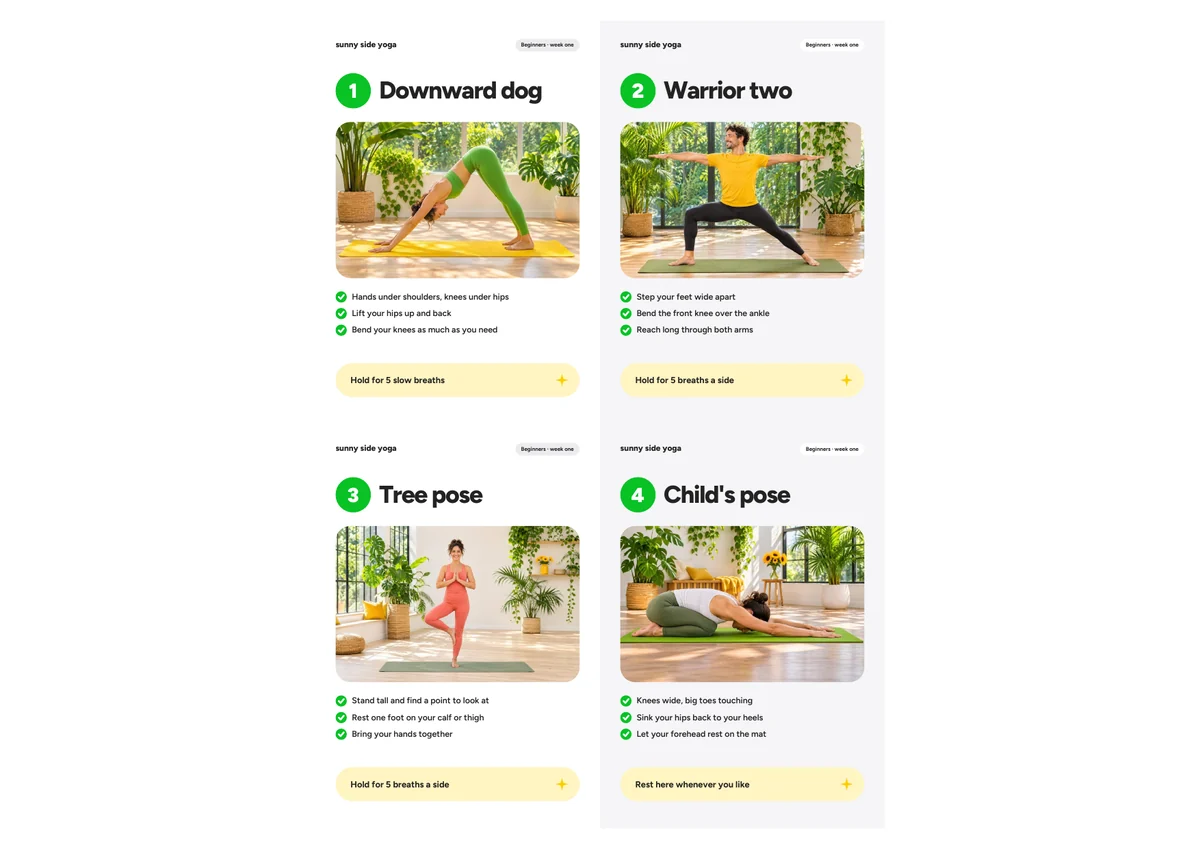
Combine PDF pages into one page.
Combine PDF pages into one output page with a 2-up or 4-up layout. Learn how N-up differs from merging files, and save an arranged PDF for printing.
Take a closer look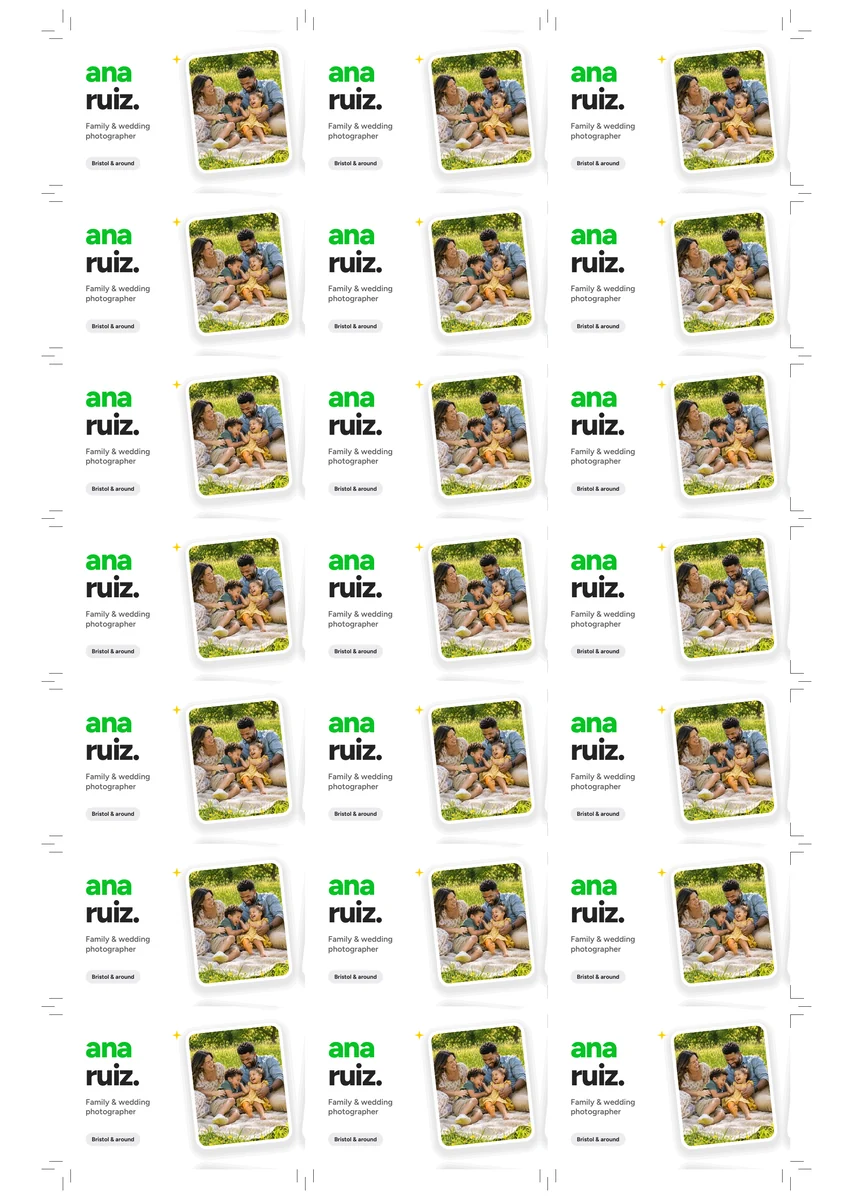
PDF imposition terms, explained with real jobs.
Understand 2-up, 4-up, duplex, step and repeat, cut and stack, signatures, gutters, TrimBox, BleedBox, crop marks, and booklet creep.
Take a closer lookThe next step
is your PDF.
Start with a real sample. Adjust every step. Make a proof before the print run.