Print numbered tickets on Avery 16154.
Number raffle tickets for Avery 16154 and other perforated ticket paper. The layout is built in, with a print shift and a test sheet to line it up.
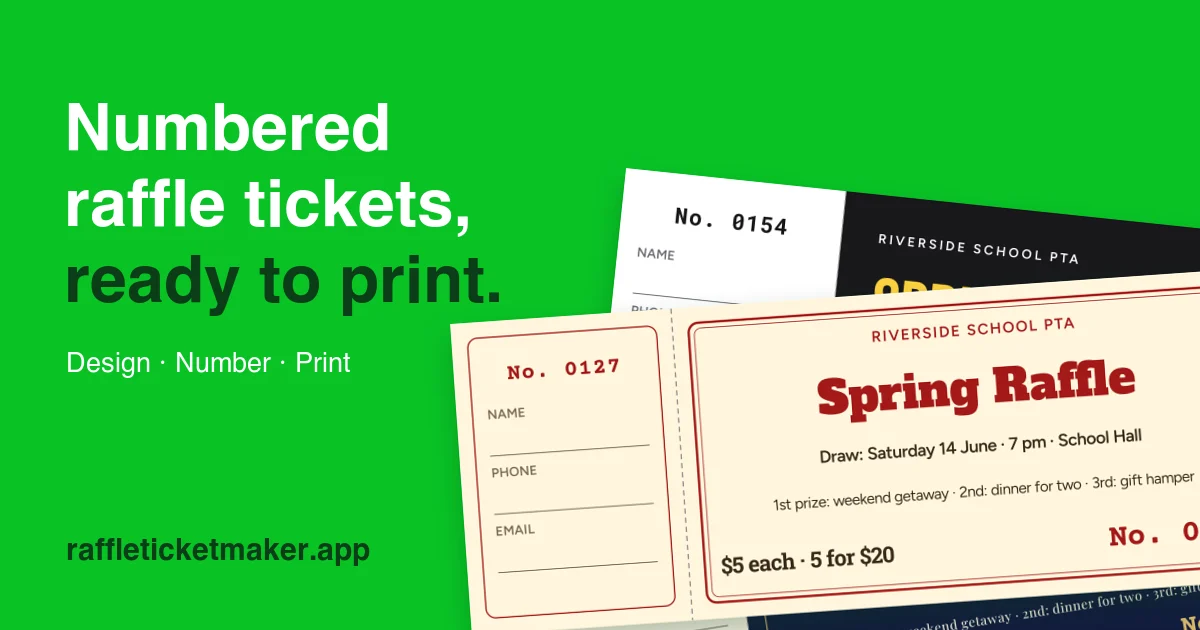
Avery 16154 holds ten tickets on a Letter sheet, each 1.7 × 5.5 inches with a 1.5 inch tear-away stub. In Raffle Ticket Maker, choose Perforated under Sheet and pick Avery 16154: the tickets, the stub and the numbering are set to that paper. Print the outline test sheet first, then print at 100%.
- Avery 16154 layout built in
- Print shift in fractions of a millimetre
- Outline test sheet
What the sheet is.
Avery’s published dimensions for 16154 are a ticket and stub of 1.7 × 5.5 inches together, with a 4 inch ticket and a 1.5 inch stub. Ten fill a Letter sheet edge to edge: two across and five down. The same template serves 16795, 76154, 95288 and 99154.
Because the tickets reach the edge of the paper, keep text and numbers a few millimetres inside each ticket: most printers cannot print to the very edge.
| Paper | Sheet | Tickets | Ticket size | Stub |
|---|---|---|---|---|
| Avery 16154 | Letter | 10 | 5.5 × 1.7 in | 1.5 in |
| 8-up perforated | Letter | 8 | 5.5 × 2.125 in | 2 in |
| 4-up jumbo | Letter | 4 | 8.5 × 2.75 in | 2.5 in |
| A4 4-up with stub | A4 | 4 | 210 × 74.25 mm | 70 mm |
| A4 10-up with stub | A4 | 10 | 148.5 × 42 mm | Measure yours |
| A4 10-up | A4 | 10 | 105 × 59.4 mm | None |
Line the print up with the perforations.
Printers feed paper a little differently, and perforations vary slightly from sheet to sheet. Two settings deal with that.
- 01
Print the test sheet
It draws only the outlines of the tickets and stubs. Print it on plain paper at 100% and hold it against a sheet of ticket paper to the light.
- 02
Shift the print
If the outlines sit to one side, move the print right or down in steps of 0.25 mm until they match.
- 03
Print at 100%
Turn off “fit to page” or “scale to fit” in the print dialog. Scaling moves every ticket off its perforation.
Paper that is not listed.
Any pre-cut sheet works with the Exact size setting: type the ticket’s width and height, set the margins and gaps to zero, and choose the grid. Set the stub to the width your paper tears at; makers differ by a few millimetres.
Before you
get started.
Which side is the stub on?
The built-in Avery 16154 layout puts the 1.5 inch stub on the right. If your sheets tear on the other side, change it under Design, Stub.
Is a tear line printed?
Not on perforated paper: the paper already has one. The preview shows blue lines where the tickets and stubs end; these are never printed.
Check the details.
Official product information and practical references. Reviewed .
The next step
is your PDF.
Start with a real sample. Adjust every step. Make a proof before the print run.